
Controls.Movement – WASD
Leap – Space
Access Inventory – E
Return to the menu – ESC
Remove a block – Left mouse button
Place a Block – Right Mouse Button
Choose a block for construction – mouse wheel
To replace blocks in quick access, use the mouse wheel to select the block you want to change, open the inventory, and select the block you prefer.
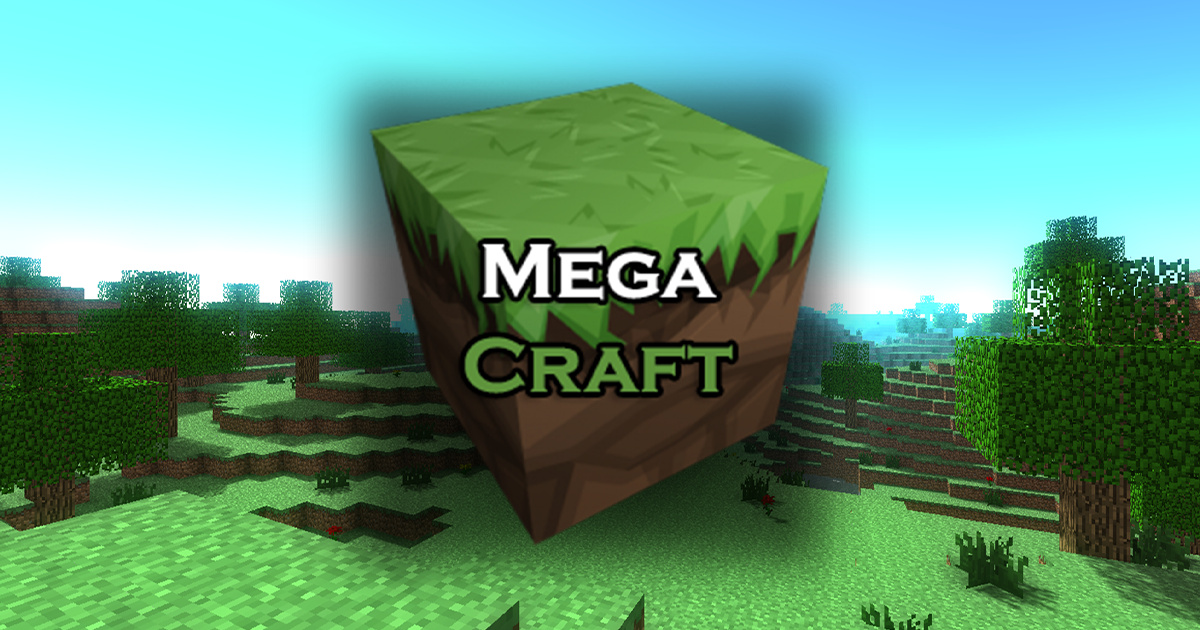
MegaCraft – Build your perfect world
MegaCraft is a voxel-based construction simulator similar to Minecraft. You can mine cubic blocks and keep them in your inventory, then select one from your collection and place it in another location, enabling you to build homes and many other structures.
Do you enjoy crafting games? MegaCraft is a new building experience released in 2021. In MegaCraft, your imagination can run free! The game offers complete freedom to design and create. It is appropriate for girls and boys alike. Craft and build a home or even an enchanted city with no restrictions.
Movement – *WASD*
Leap – *Space*
Access Inventory – *E*
Return to the menu – *ESC*
Remove a block – Left mouse button
Place a Block – Right Mouse Button
Choose a block for construction – mouse wheel
MegaCraft – Build your perfect world Screen Shots: